Get Your
Bookmarks
Organized
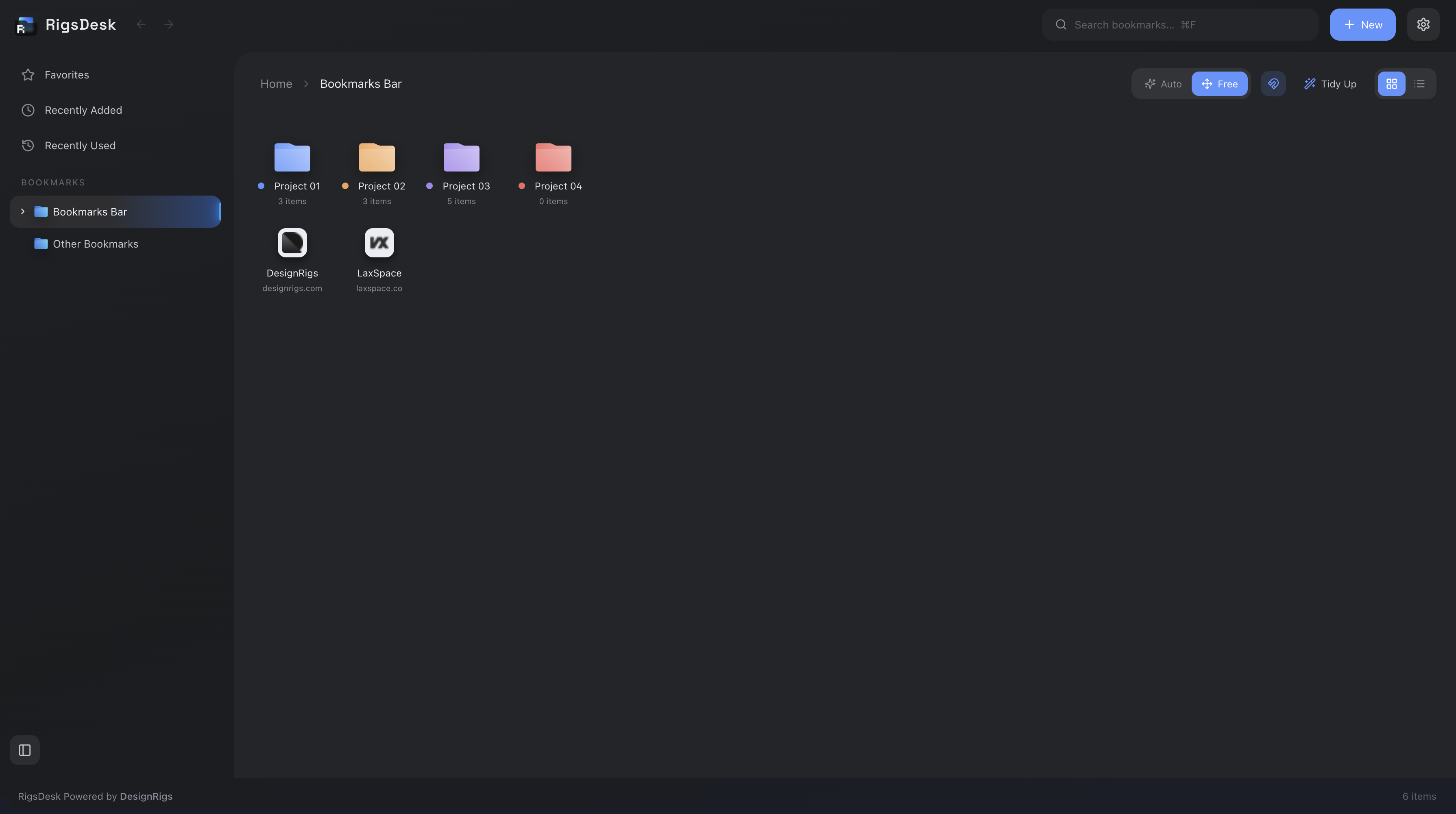
RigsDesk gives you a clearer way to organize, find, and use the bookmarks you already have in Chrome.









Everything you need
to stay organized
Organize your
bookmarks with folders
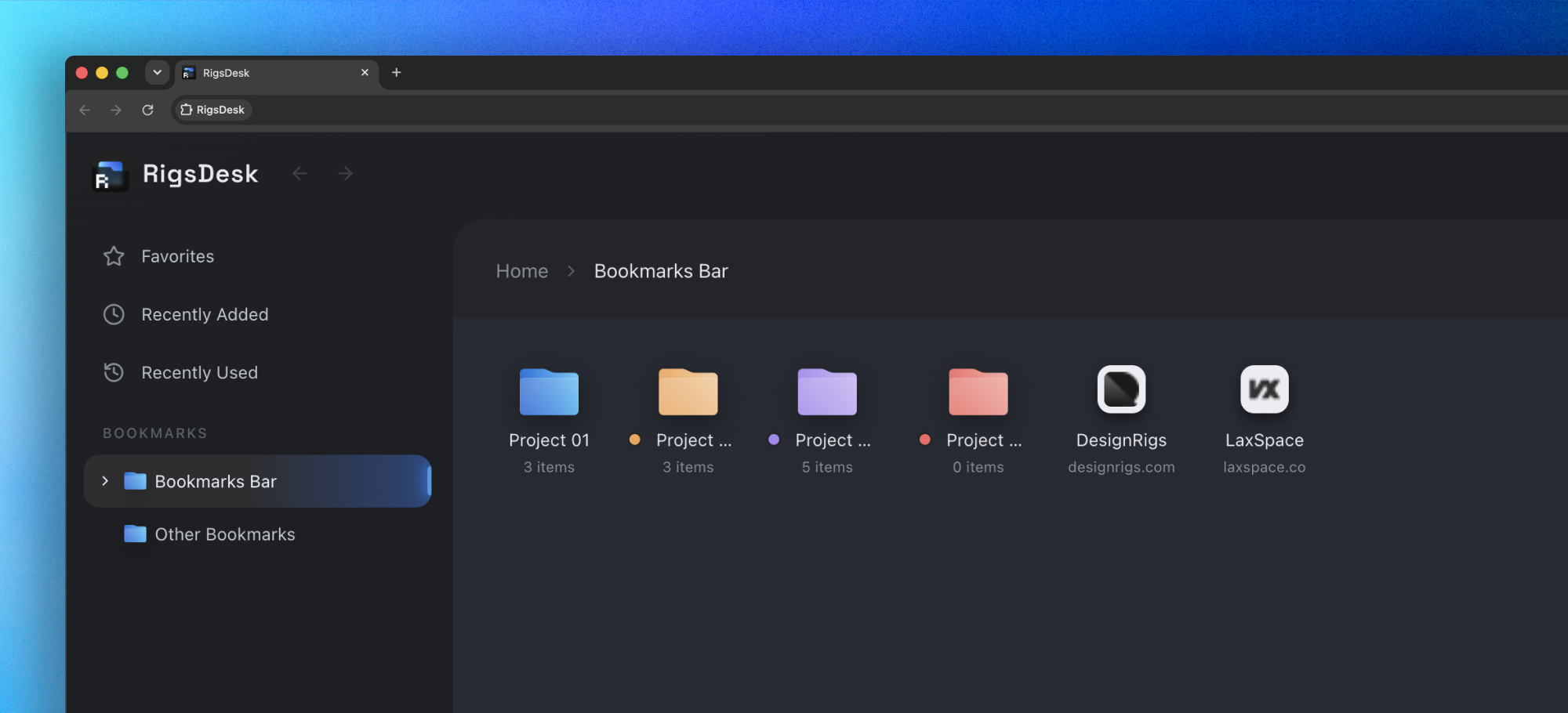
Bookmarks are easy to save. Managing them is harder. Create folders, organize bookmarks with drag and drop, and color code folders to make them easier to recognize. Keep your collection organized as it grows.
Make your
workspace your own
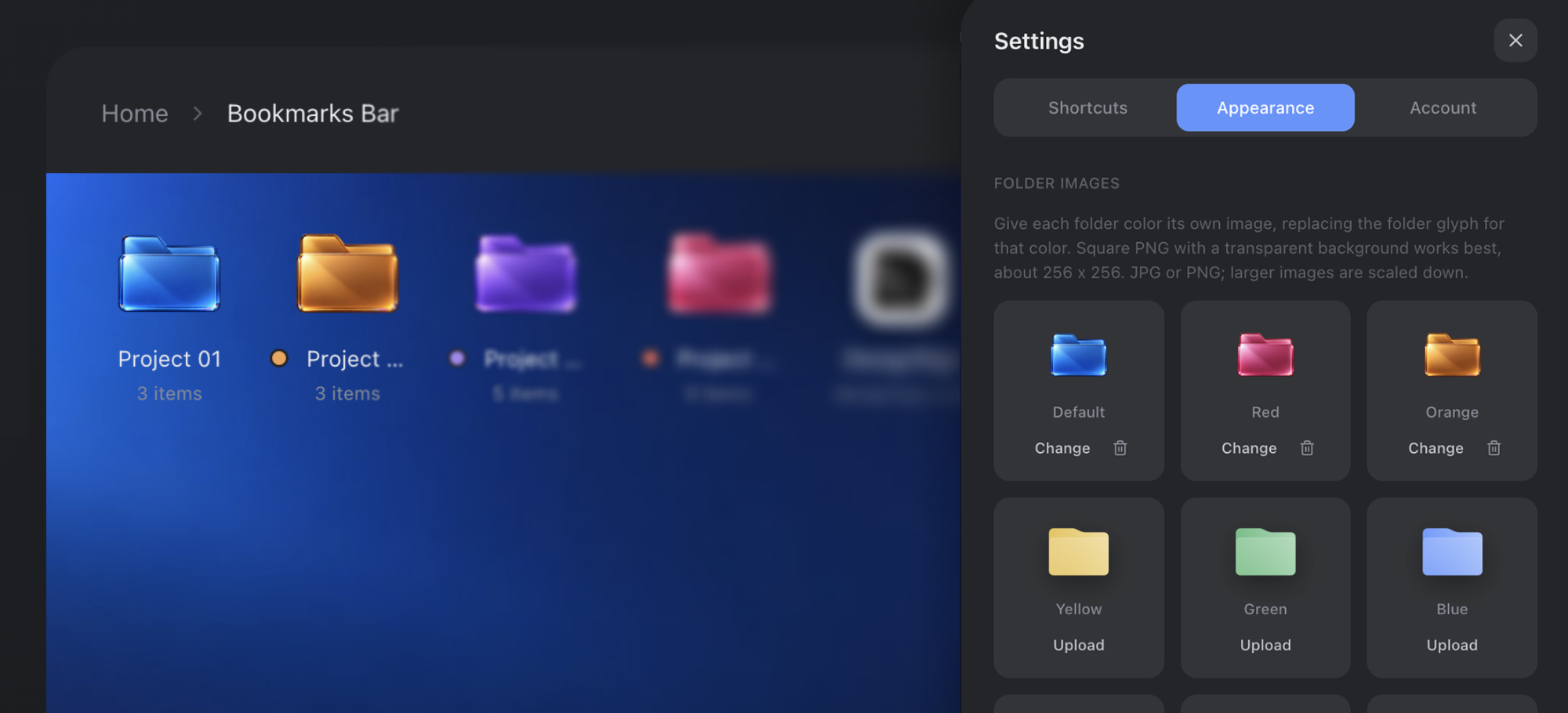
Choose grid or list view, adjust icon sizes and spacing, and change the theme, wallpaper, and folder icons. Customize your workspace to look and work the way you like.
Find what you
need, faster!
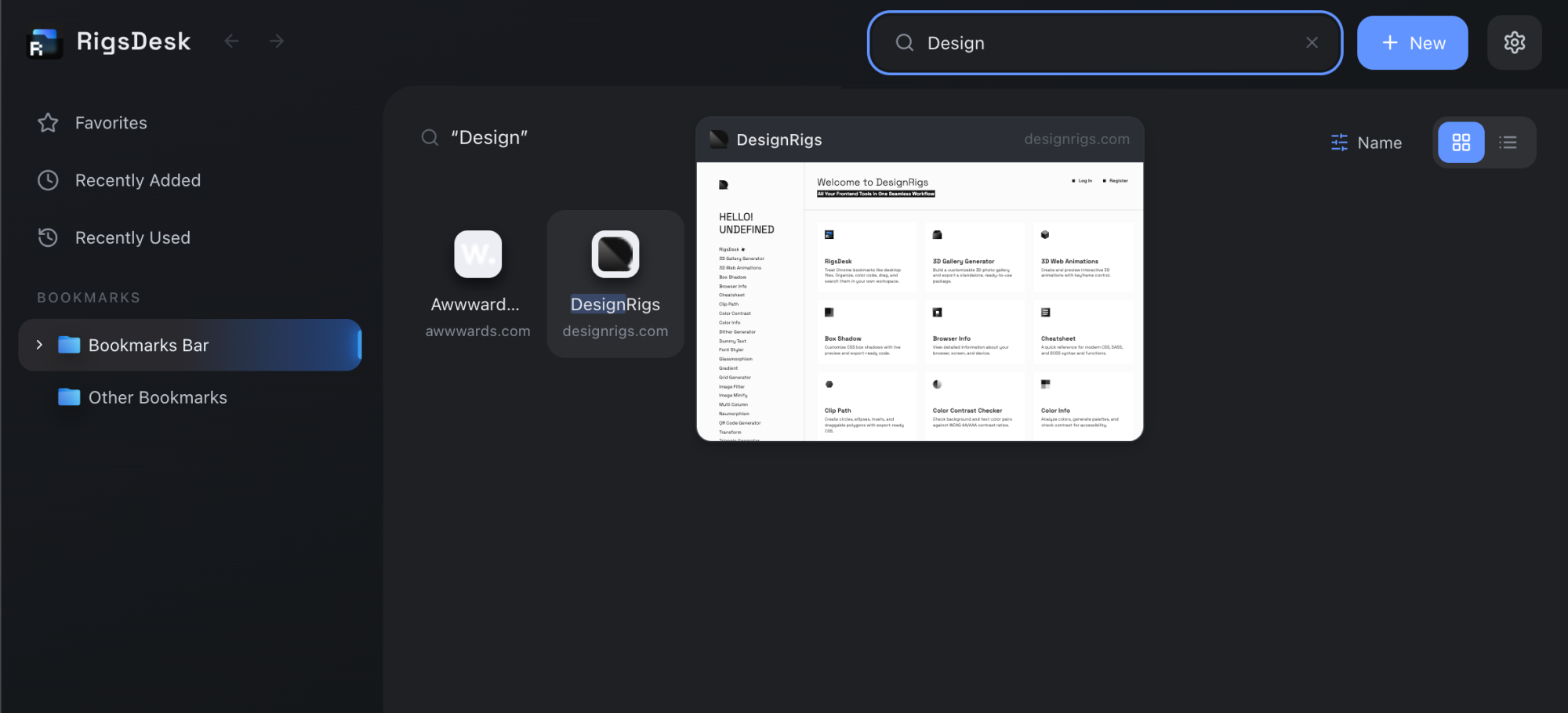
Search your bookmarks instantly, browse your favorites, or revisit recently added and recently used links. For the sites you open every day, set up keyboard shortcuts to launch them without having to look for them.
Your to-do list,
always in reach!
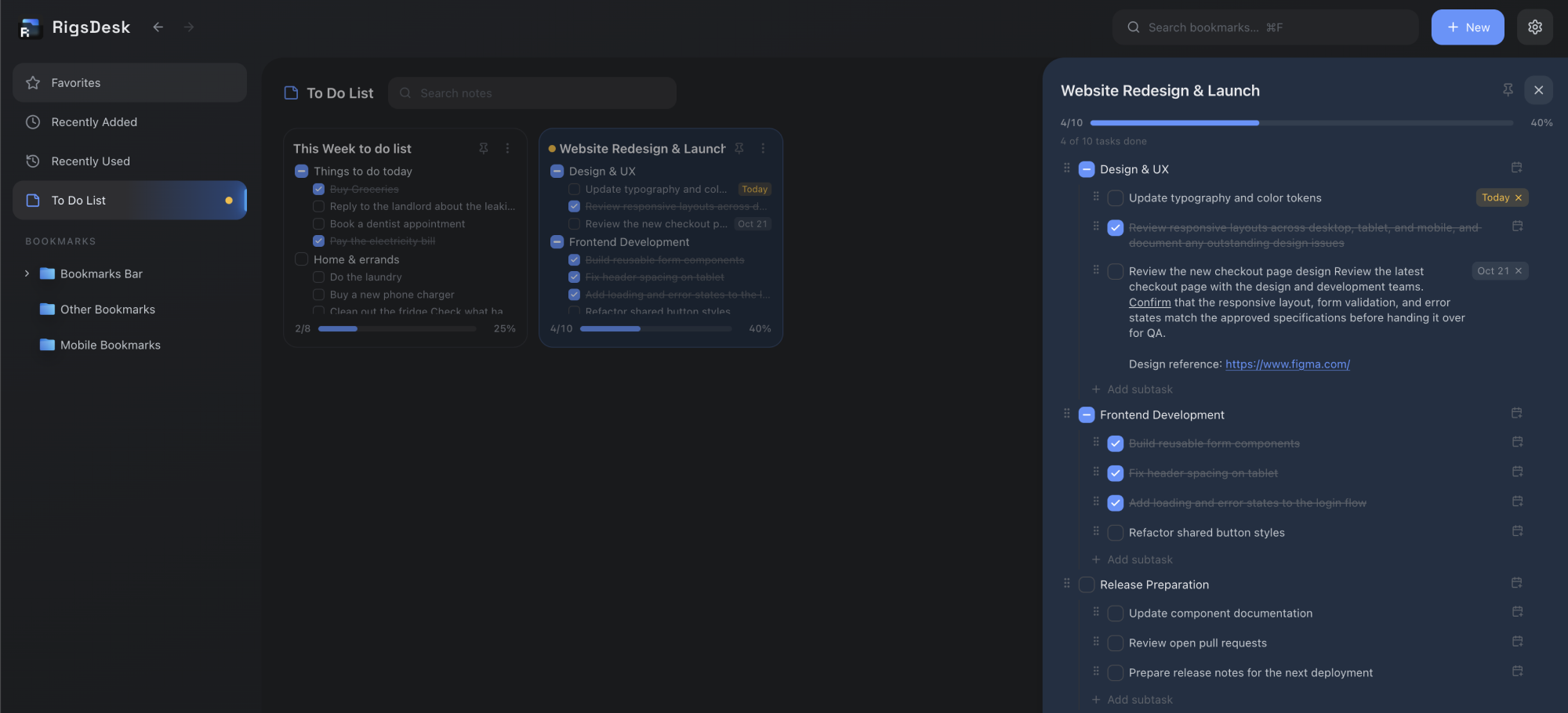
Capture your to-dos as sticky notes and break them into two-level checklists that track their own progress as you check things off. Add due dates with color reminders, and arrange your notes freely on a canvas or in a tidy grid.

One-time purchase,
no subscription
Start with a free trial, then pay once to unlock RigsDesk. No recurring fees.
Manage bookmarks in bulk
Select multiple bookmarks to move, copy, open, or delete them all at once.

Your bookmarks stay yours
Your bookmarks stay in Chrome, with no importing needed. We never upload or store your bookmark data on our servers.

Open bookmarks
with shortcuts
Set keyboard shortcuts for up to nine bookmarks and open your most used sites with a key press.

Swap the icon for a preview
Change a bookmark’s icon to its OGP preview image, so your links look like the pages they point to instead of a tiny favicon.

Preview links before opening
Hover over a bookmark to see its link before you open it.

Format your to-dos
Make the important parts stand out with bold and underline, and add links so the right page is always one click away.

Due dates that
keep you on track
Set a due date on any to-do and get color reminders as the deadline approaches, so nothing slips.
FAQ
The most common questions about RigsDesk, managing your Chrome bookmarks, and staying on top of your to-dos. Can't find what you're looking for? Get in touch and we'll help.
Contact UsRigsDesk is a Chrome bookmark manager that helps you organize your bookmarks in a desktop style workspace. Create folders, drag and drop bookmarks, customize your layout, and find saved websites faster. It also includes a built in to-do list, so you can keep your tasks right alongside your bookmarks.
RigsDesk gives you a visual workspace to manage your Chrome bookmarks. Create folders, color code them, drag and drop bookmarks, and arrange everything in a way that makes sense to you.
Yes. RigsDesk works directly with your existing Chrome bookmarks. You don't need to import, export, or move them into a separate library.
RigsDesk offers a 7 day free trial with no credit card required. After the trial, you can unlock lifetime access for a one time payment of $12. There are no recurring subscription fees.
Yes. Your bookmark library stays in Chrome. RigsDesk does not upload your bookmarks to its servers or track your browsing activity. Some account information is stored to manage your access.
Yes. You can switch between grid and list views, adjust icon sizes and spacing, change themes and wallpaper, and customize folder icons to suit your preferences.
Yes. RigsDesk lets you assign keyboard shortcuts to up to nine bookmarks. You can open your most frequently used websites without searching for them.
Yes. Select multiple bookmarks to move, copy, open, color code, or delete them together. This makes it easier to organize large bookmark collections.
Yes. RigsDesk includes a built in to-do list. Capture tasks as sticky notes, break them into two level checklists that track their own progress, add due dates with color reminders, and arrange your notes freely on a canvas or in a tidy grid.
Yes. You can make the important parts of a note stand out with bold and underline, and add links so the right page is always one click away.
Yes. Set a due date on any to-do and get color reminders as the deadline approaches, so nothing slips.
Yes. Search any bookmark instantly by name, browse your favorites, or jump back to recently added and recently used links.
Yes. You can swap a bookmark's icon for its OGP preview image, so your links look like the pages they point to instead of a small favicon.
RigsDesk provides an alternative interface for managing your Chrome bookmarks. Your bookmarks remain in Chrome, so you can continue accessing them through Chrome's usual bookmark features.
Your bookmarks remain in Chrome. RigsDesk does not delete your bookmarks when your trial ends, so you can continue using Chrome's built in bookmark manager.
Install RigsDesk from the Chrome Web Store, then open it in Chrome to start organizing your existing bookmarks. No bookmark import is needed.
You can request account deletion from within RigsDesk. Deleting your RigsDesk account does not delete your Chrome bookmarks, which stay in Chrome.
Email laxchee@gmail.com and we will help.
Make your bookmarks
easier to manage.
Download RigsDesk and start organizing your Chrome bookmarks in a workspace that works the way you do.